I get asked this one more than almost any other AI question: “I keep hitting the free ChatGPT limit — should I just pay the $20?” It sounds like a small decision, but for a lot of small business owners it’s the first real AI spend they make, and they want to know it’s not just money for a nicer chatbot. So here’s the honest answer, based on what Plus actually gives you in 2026 and where it genuinely does — and doesn’t — pay off for a small business.
What You’re Actually Paying For
ChatGPT now comes in more tiers than it used to, which makes the “is it worth it” question a little more nuanced than it was a couple of years ago. Here’s the current lineup:
- Free — usable, but limited, and now includes ads in the US.
- Go — around $8/month, more headroom than Free, but no access to the flagship reasoning model or the more advanced tools.
- Plus — $20/month, billed monthly only, no annual discount.
- Pro — $100 or $200/month, aimed at heavy individual power users.
- Business — around $20/seat/month on annual billing (or $25/seat monthly), with a two-seat minimum — worth knowing if you’re not solo.
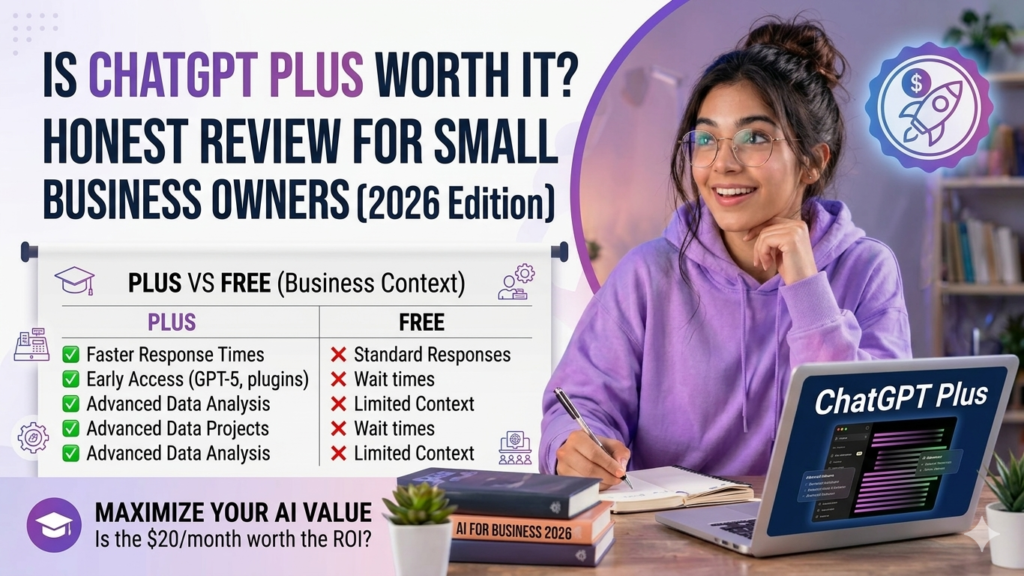
Plus is the tier where things actually start feeling like a real business tool rather than a fun chat toy. It’s the first plan that removes ads, unlocks the current flagship model, gives you a meaningfully larger context window (enough to work with genuinely long documents in one conversation), and includes things like custom GPTs, data analysis tools, and image generation. Go, by comparison, keeps you locked out of the flagship model and the more advanced agent and coding tools — which matters more than it sounds like once you’re using it for real work rather than quick questions.
Where Plus Actually Earns Its $20 for a Small Business
It replaces small, recurring costs you don’t think about as “content costs”
This is the biggest one. Drafting customer emails, writing product descriptions, putting together a first draft of a proposal, brainstorming a name for a new service line — these are all things that used to either eat your own time or get quietly outsourced to a freelancer for a few hundred dollars a month. Plus doesn’t eliminate the need for a human final pass, but it consistently gets you 80% of the way there in a fraction of the time.
The larger context window is genuinely useful for real documents
Free and Go both cap out at a shorter working memory per conversation. Plus’s context window is large enough to actually paste in a full contract, a long client brief, or a stack of reviews and get a coherent analysis back — instead of the tool “forgetting” the beginning of what you pasted halfway through. If you’re doing anything with real documents rather than short prompts, this alone is worth the upgrade from Go.
Custom GPTs save you from re-explaining your business every time
You can build a version of ChatGPT that already knows your brand voice, your standard pricing, your FAQ answers, or your go-to email templates — and reuse it instead of re-explaining context in every new conversation. For a small business, this is closer to building a lightweight, reusable assistant than it is to “just chatting with AI.”
Data analysis without a spreadsheet headache
Plus lets you upload a spreadsheet and ask plain-English questions about it — “which product had the best margin last quarter,” “summarize what changed month over month” — without needing to build formulas yourself. For an owner who doesn’t have (or want) a dedicated analyst, this closes a real gap.
Where It Falls Short
The usage caps are real, and they’re dynamic
Plus doesn’t give you unlimited access to the flagship model — you can hit caps during heavy use, especially on longer or more complex tasks. Most small business owners doing normal day-to-day work won’t notice this often, but if you’re using it constantly throughout the day for detailed work, it’s worth knowing the ceiling exists before you build a workflow that depends on unlimited access.
It’s built for one person, not a team
Plus is a single-seat subscription. If you’ve got two or three people who all need to use it, you’re either sharing a login (which OpenAI doesn’t really support well) or paying for multiple individual Plus accounts — at which point the Business plan, with its per-seat pricing and shared workspace features, usually makes more financial and practical sense.
No annual discount
Unlike a lot of SaaS tools, Plus is month-to-month only at $20 — there’s no annual plan to lock in a lower effective rate. It’s a minor point, but if you’re used to saving 15-20% by committing annually elsewhere, know that this isn’t an option here.
It’s a generalist, not a specialist
Plus is genuinely good at a wide range of tasks, but it’s not purpose-built for any one of them the way a dedicated tool is. If your main need is specifically brand-voice-consistent marketing content at scale, a tool like Jasper is more tailored for that (at a much higher price). If it’s mainly customer support automation, a dedicated chatbot tool will integrate more cleanly with your help desk. Plus is the right starting point precisely because it’s flexible — but don’t expect it to out-perform a specialist tool in that tool’s one specific job.
Plus vs. Go vs. Business: Which One Should You Actually Get
Go ($8/month) is fine if your use is genuinely light — occasional questions, simple drafts, nothing that needs the flagship model or a large document uploaded. Most small business owners outgrow this within a few weeks of using it for real work.
Plus ($20/month) is the right call for a solo owner or freelancer who’s using AI regularly across a range of tasks — writing, planning, basic analysis, customer communication — and wants the best model without team features they don’t need.
Business (~$20-25/seat/month, 2-seat minimum) makes more sense the moment a second person on your team needs regular access. It adds admin controls and data handling suited to a small team, and per-seat, it’s actually priced close to Plus anyway — so there’s little reason to buy multiple individual Plus accounts once you’re past one user.
The Verdict
For a solo small business owner or freelancer doing a genuine mix of writing, planning, and light analysis work, $20/month is one of the easiest “yes” decisions in the entire AI tools space right now. You’ll likely earn that back in saved time within the first week, the same way most owners who’ve made the jump describe it. Where I’d pump the brakes: if you’re only using it for the occasional quick question, Go is probably enough, and if you’ve already got two or more people who need it, skip straight to Business rather than paying for multiple individual subscriptions.
The honest test I’d apply: if you can point to a specific task you’re currently doing by hand — every week, more than once — that Plus would meaningfully speed up, it’s worth it. If you’re buying it because it seems like the responsible thing to do rather than because you have that specific task in mind, you’ll probably let the subscription quietly sit unused after the first month, the same way a lot of unused gym memberships do.

Comments